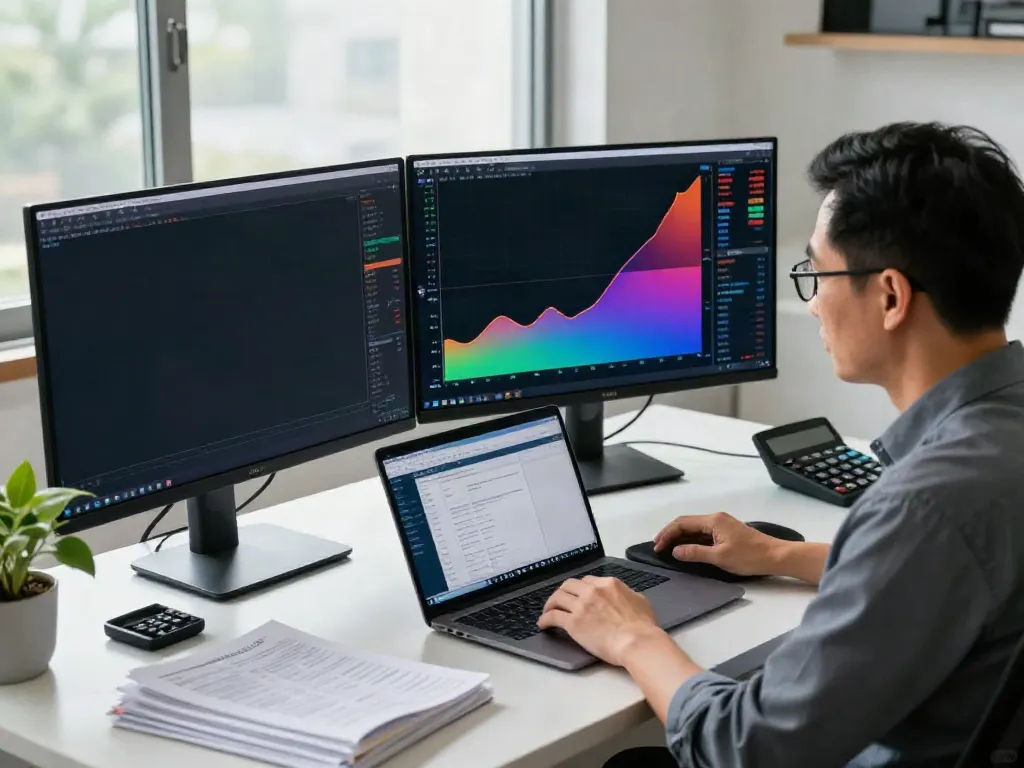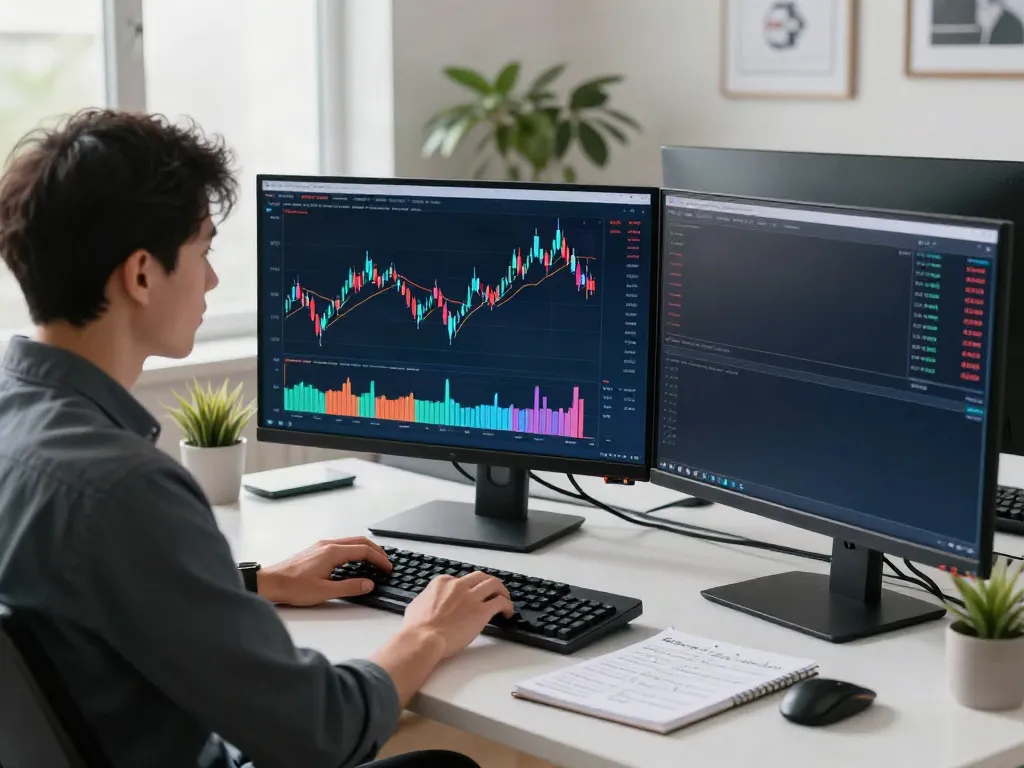
Understanding the Basics of TradingView
In today's fast-paced trading environment, having the right tools at your disposal can significantly impact your performance. TradingView stands out as an essential platform for traders across various markets, offering functionalities that can transform complex market data into actionable insights. This comprehensive guide delves into the core features of TradingView, its benefits, and how to effectively set up your trading environment to optimize your trading strategy.
What is TradingView and Its Core Features?
TradingView is a social network and data analytics platform designed for traders and investors to analyze financial markets, share ideas, and develop strategies. Some of its core features include:
- Advanced Charting Tools: TradingView provides a wide array of charting tools that allow traders to analyze price movements in real time, utilizing various timeframes and chart types (like candlestick, line, and bar charts).
- Custom Indicators: Users can create their own indicators or utilize the extensive library of existing ones, tailored to meet specific trading strategies.
- Alerts and Notifications: Setting up alerts based on price movements, technical indicators, or custom scripts ensures traders never miss crucial market changes.
- Social Networking Features: Engage with a community of traders, share insights, and access a wealth of research and analysis from other users worldwide.
Key Benefits of Using TradingView for Traders
Choosing TradingView comes with several advantages that cater to both novices and experienced traders:
- User-Friendly Interface: The intuitive interface makes it easy for users to navigate through various functionalities without a steep learning curve.
- Collaboration Opportunities: The community aspect fosters collaboration and information sharing, enabling users to learn from one another and refine their trading strategies.
- Comprehensive Market Coverage: With access to diverse asset classes like stocks, forex, cryptocurrencies, and commodities, traders can conduct comprehensive market analysis in one place.
- Accessibility: Being available on multiple devices—from web browsers to mobile applications—ensures that users can monitor their portfolios and market conditions anytime, anywhere.
Comparative Analysis: TradingView vs Other Platforms
In a crowded market of trading platforms, TradingView distinguishes itself with its unique features. Compared to other platforms like MetaTrader or Thinkorswim:
- Integration of Social Features: While other platforms may focus purely on technical analysis, TradingView combines this with social networking, enhancing user engagement and collective knowledge sharing.
- Flexibility of Use: TradingView's ability to switch seamlessly between different asset classes without needing multiple software installations is a significant advantage over its competitors.
- Pine Script Programming: The inclusion of Pine Script allows users to create custom indicators and automate trading strategies, which is a feature less emphasized in other platforms.
Setting Up Your TradingView Account
Getting started with TradingView is simple, allowing you to dive into market analysis quickly. Here's a step-by-step guide to setting up your TradingView account effectively.
Step-by-Step Guide to Create Your TradingView Profile
- Visit the TradingView Website: Go to the TradingView homepage and click on the 'Sign Up' button.
- Sign Up Options: You can sign up using your email address or integrate with social accounts like Google or Facebook for a faster setup.
- Complete Your Profile: Fill in necessary details to personalize your profile and set preferences.
- Select a Plan: Choose between a free plan or one of the premium subscriptions, depending on your trading needs.
Optimizing Your Dashboard for Efficiency
Once your account is created, customizing your dashboard can significantly improve your trading efficiency. Here’s how to adjust your TradingView workspace:
- Choose Your Layout: Select from various multi-layout options to view multiple charts at once, enhancing comparative analysis.
- Add Essential Widgets: Incorporate widgets for news, economic calendar events, and alerts to keep essential information at your fingertips.
- Save Your Workspace: After customizing, save your layout for easy access in future sessions.
Integrating TradingView with Other Tools and Platforms
Maximizing TradingView's capabilities often involves integrating it with other tools:
- Brokerage Integration: Many brokers allow direct trading from the TradingView platform, streamlining the trading process.
- Third-Party Applications: Sync your TradingView account with tools like Discord or Slack to receive trading alerts directly.
- API Access: Use TradingView’s API for advanced users to create custom applications that interact with trading strategies and data.
Exploring TradingView Tools and Features
TradingView is rich in tools designed to enhance your analysis and trading experience. Here’s a closer look at some of these features.
Utilizing Charts and Technical Indicators Effectively
Charts are where the magic happens in TradingView. Users can:
- Analyze Trends: Utilize various indicators such as moving averages, MACD, and RSI to identify market trends and potential entry or exit points.
- Customize Indicators: Adjust settings on indicators to fit your trading style, whether you’re a day trader or a swing trader.
- Employ Drawing Tools: Use trend lines, Fibonacci retracements, and other drawing tools to enhance your chart analysis further.
Setting Up Alerts for Market Movements
Receiving timely alerts can make or break your trading strategy. Here’s how to set effective alerts:
- Price Alerts: Set alerts for specific price levels to be notified when assets reach your target.
- Indicator Alerts: Create alerts based on technical indicators, ensuring you're informed about critical changes in trend soon as they happen.
- Notification Preferences: Choose how you wish to receive alerts—whether through the TradingView app, email, or SMS—for flexibility.
Using Pine Script for Custom Indicators and Strategies
For users looking to tailor their trading strategies, TradingView’s Pine Script is a powerful asset:
- Custom Indicators: Write your indicators using Pine Script to fulfill specific conditions required for your trading style.
- Backtesting Strategies: Validate your strategies in the Strategy Tester before going live, ensuring a robust approach to the market.
- Community Sharing: Once tested, share your scripts with the TradingView community or utilize others’ scripts to expand your toolkit.
Developing Your Trading Strategy with TradingView
Having the right tools is essential, but developing a robust trading strategy is what leads to long-term success. Here’s how TradingView can help you craft effective trading strategies.
Establishing Clear Trading Goals and Plans
Before diving into trading, it’s essential to set clear goals. Consider the following:
- Define Objectives: Are you aiming for long-term investments or short-term gains? This will determine your trading methodology.
- Risk Management: Establish how much risk you’re willing to take on each trade and set stop-loss and take-profit levels accordingly.
- Consistency: Develop a habit of journaling your trades to learn from successes and failures.
Backtesting Strategies Using the Strategy Tester
The Strategy Tester is a powerful feature in TradingView that allows you to:
- Simulate Trading: Use historical data to see how well your strategy would have performed under various market conditions.
- Optimize Parameters: Adjust parameters in your strategy to find the optimal settings for maximum profitability.
- Identify Weaknesses: Analyze backtest results to refine your strategy and improve its effectiveness.
Engaging with the TradingView Community for Insights
TradingView is more than just a tool; it's a community. Engaging with other traders can yield invaluable insights:
- Sharing Ideas: Post your analyses and ideas, and solicit feedback from the community to enhance your strategies.
- Learning from Others: Follow successful traders, observe their strategies, and learn from their decision-making processes.
- Community Events: Participate in webinars or events hosted by TradingView to gain deeper insights into advanced trading techniques.
Future Trends in Trading and the Role of TradingView
As the financial landscape evolves, so too does the trading environment. Understanding these trends can help traders adapt accordingly.
Emerging Technologies Affecting Trading Practices
Technological advancements are reshaping how trading is conducted:
- Artificial Intelligence: AI is increasingly used for market predictions and trading automation, providing an edge in data analysis.
- Blockchain: The rise of blockchain technology will continue to impact the trading of cryptocurrencies and redefine trust in transactions.
- Algorithmic Trading: More traders are utilizing algorithms to execute trades at optimal times, minimizing human error.
The Increasing Importance of Data Analytics in Trading
In the realm of trading, data is paramount:
- Data-Driven Decisions: Traders are increasingly relying on data analytics to guide their trades rather than intuition alone.
- Market Sentiment Analysis: Understanding market sentiment can provide insights into potential price movements, making analytics tools essential.
- Performance Tracking: Regularly analyzing your trading performance allows for better strategy adjustments and improved outcomes.
How TradingView is Adapting to Market Changes in 2026
Looking ahead, TradingView is continuously adapting to meet the needs of users:
- Feature Enhancements: Continued updates to charting tools and technical indicators reflect user feedback and emerging trends.
- Greater Community Integration: As online collaboration becomes more crucial, TradingView is likely to enhance its community features.
- Incorporation of New Asset Classes: Expect TradingView to integrate additional asset classes and markets as they gain popularity among traders.
Common Questions About TradingView
Is TradingView Free to Use?
Yes, TradingView offers a free version that provides many essential features. However, there are premium plans that unlock advanced tools and features for serious traders.
How to Maximize Your TradingView Experience?
To get the most out of TradingView, utilize all functions including alerts, custom scripts, and community features. Regularly backtest your strategies and engage with other traders for feedback.
What Are the Best Trading Tips for Beginners?
New traders should start with a demo account, set realistic goals, practice risk management, and continuously learn from both successes and failures.
Can TradingView Improve Your Trading Performance?
By providing access to comprehensive tools and a community for engagement, TradingView can certainly enhance your trading efficiency and knowledge.
What Are the Limitations of TradingView?
While TradingView is powerful, some limitations include fewer integrated brokerage options compared to more established trading platforms, and limited advanced functionalities in the free version.